Perun Audio Converter
Convert audio files and choose your tuning, formats and quality.
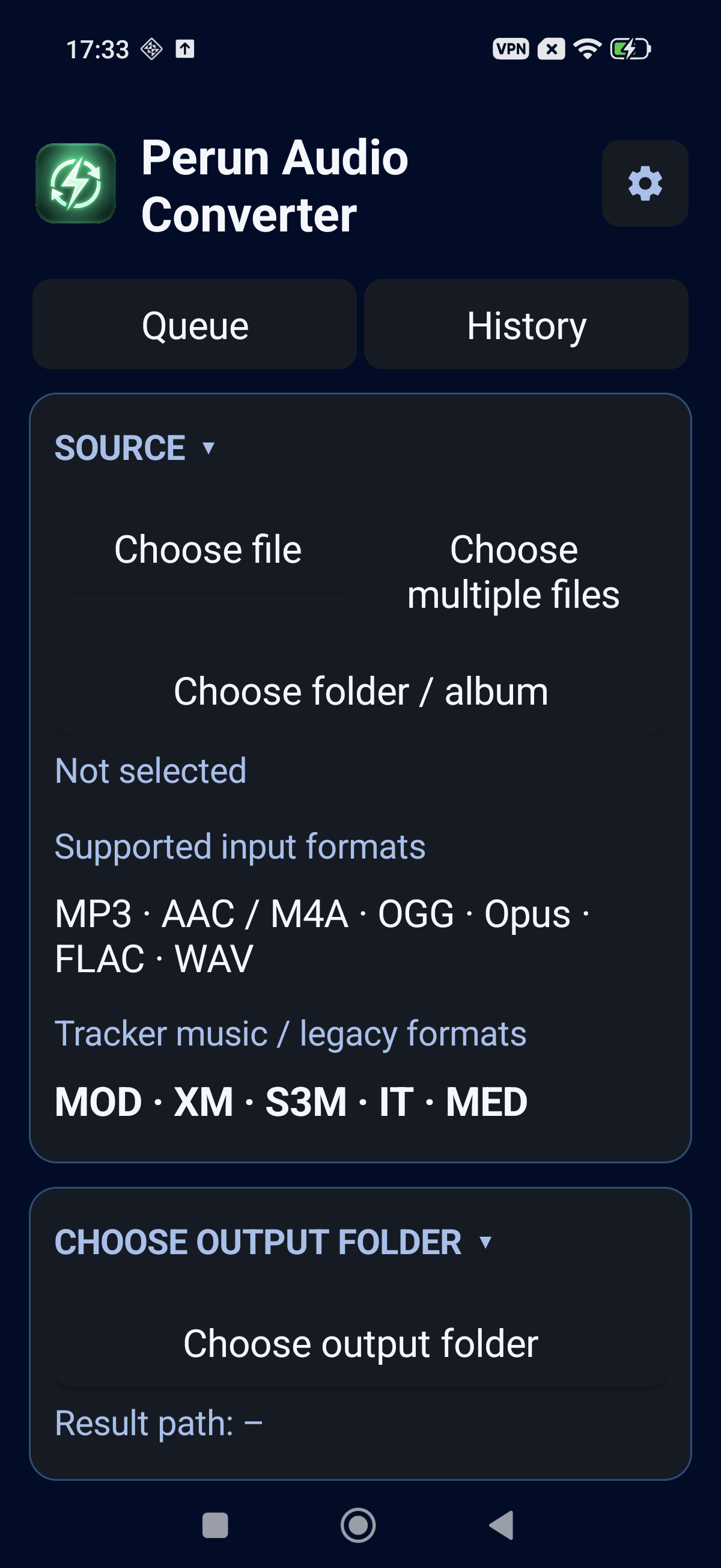
Music from Amiga and classic PCs
Rediscover MOD, XM, S3M, IT and MED files. These tracker modules store samples and instructions describing when and how to play them, rather than just a finished recording.
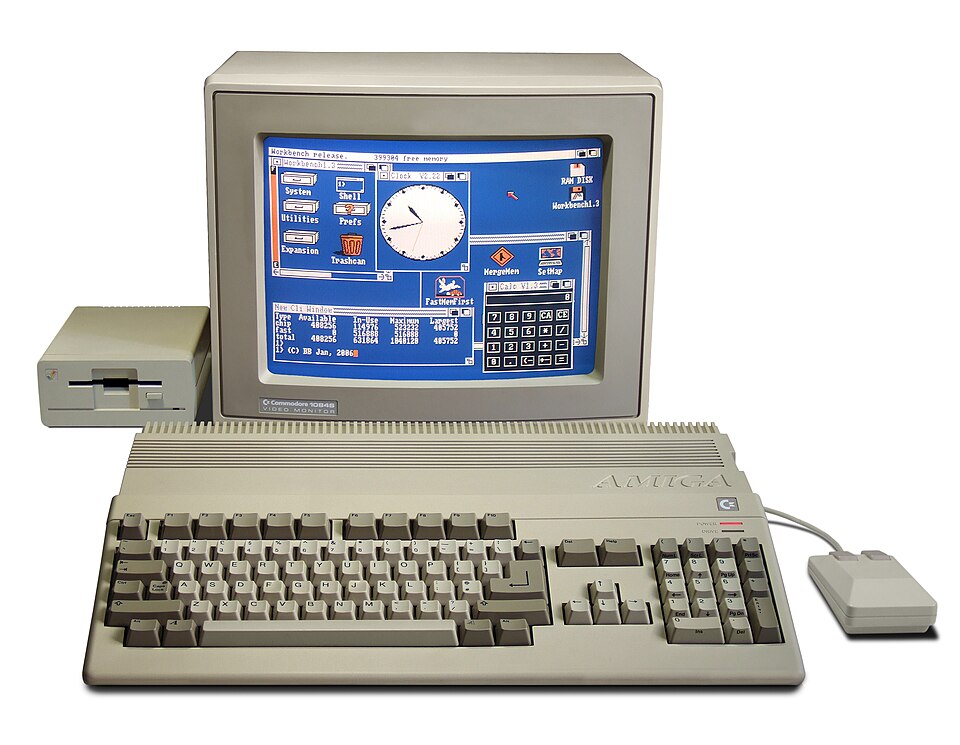
Bill Bertram · CC BY-SA 2.5

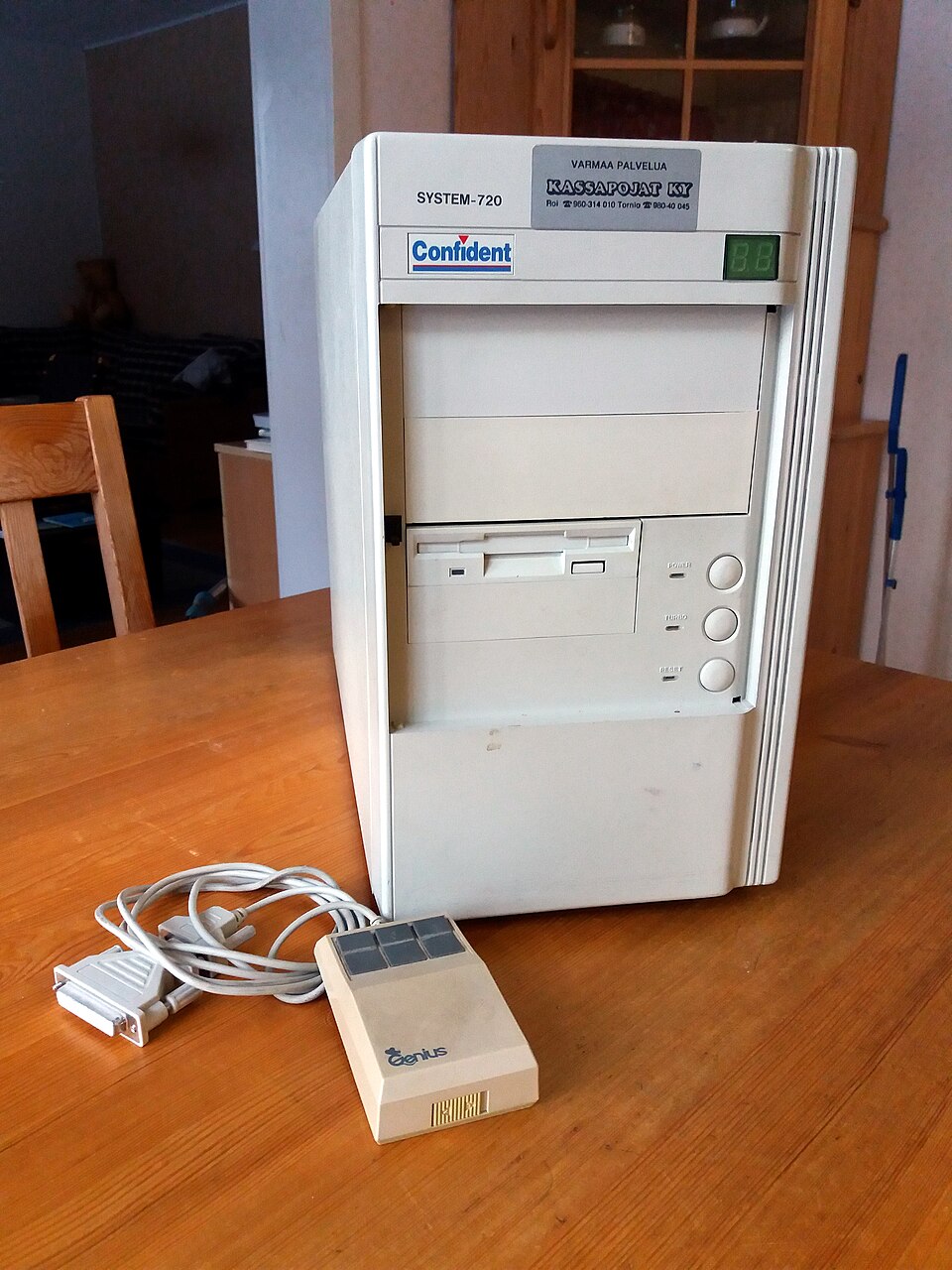
Methem (Mikko J. Putkonen) · CC BY 4.0

| Format | Computers and trackers | Background |
|---|---|---|
| MOD | Amiga · Soundtracker / ProTracker | Classic Amiga modules; typically four channels, used in games and demos. |
| XM | PC / DOS · FastTracker II | Sample-based music with instruments, envelopes and playback effects. |
| S3M | PC / DOS · Scream Tracker 3 | A tracker format associated with the PC demoscene. |
| IT | PC / DOS · Impulse Tracker | More advanced instrument control, envelopes and effects. |
| MED | Amiga · MED / OctaMED | A family of module formats from Amiga music composition software. |
What does conversion do?
A module is rendered into a finished audio recording for everyday listening. The output does not retain editable tracker patterns or separate instrument tracks. Keep your original modules for future editing. Playback can differ between trackers, format variants and rendering engines.
Choosing an output format
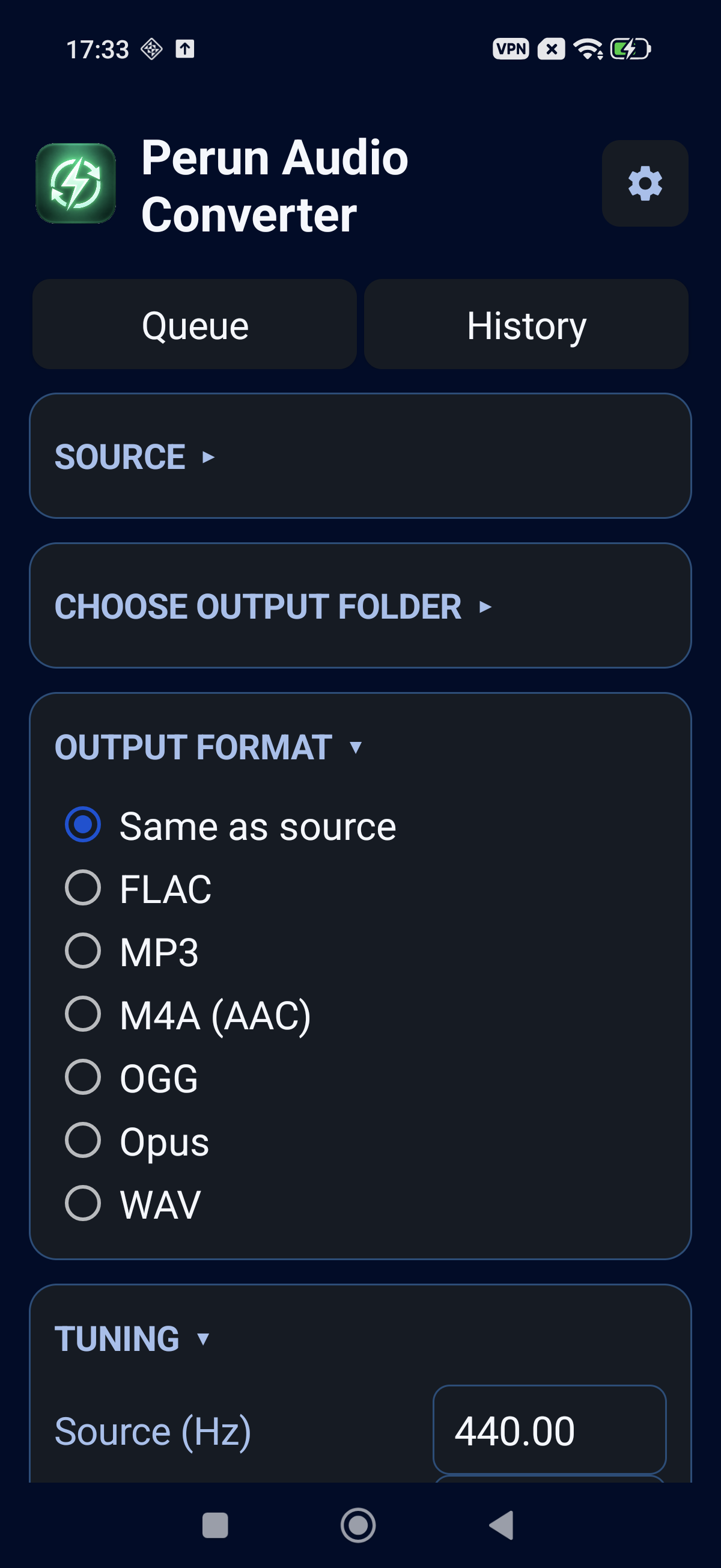
FLAC uses lossless compression; WAV can store uncompressed PCM audio. MP3, AAC in M4A, Ogg Vorbis and Opus use lossy compression to reduce file size. Saving a module or an MP3 as FLAC does not restore detail absent from the source.
Tuning and frequency settings
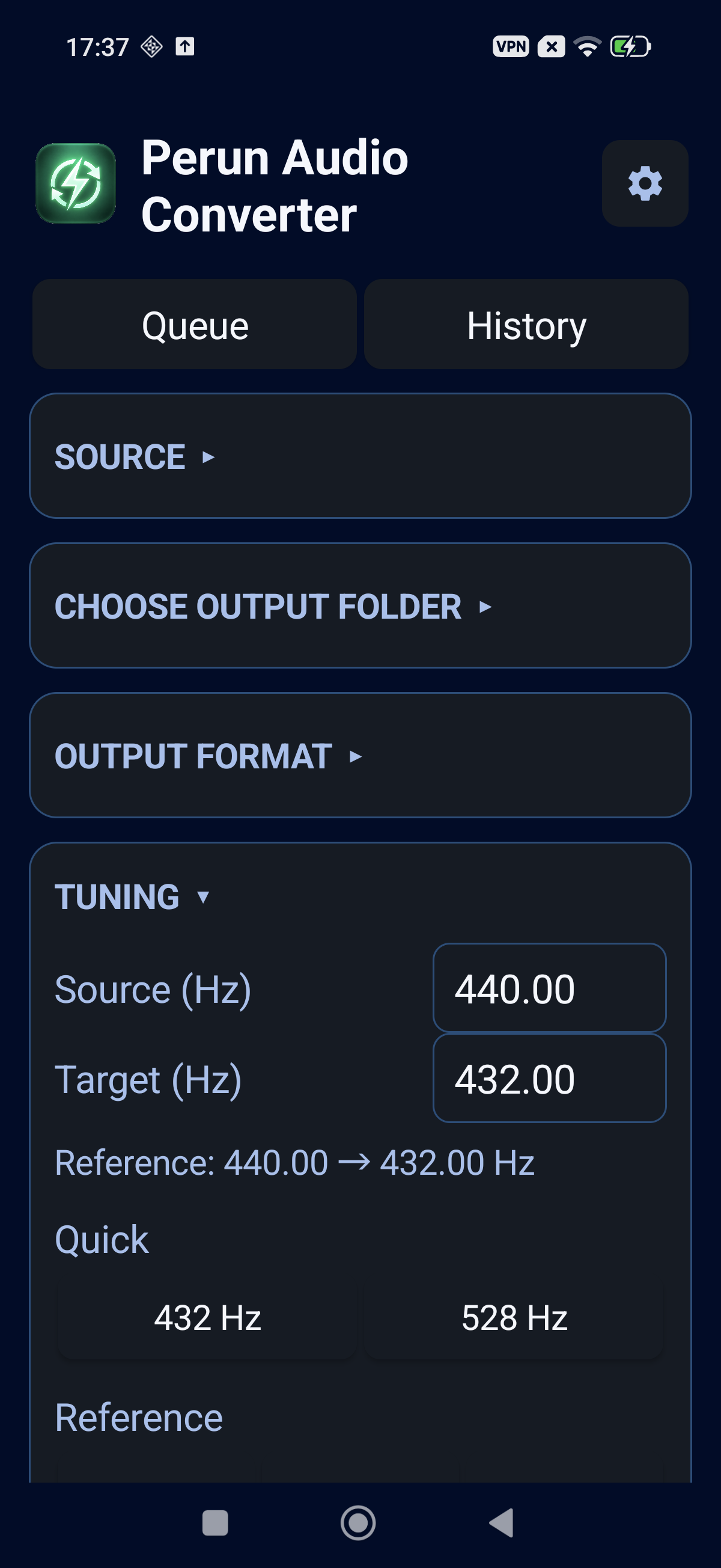
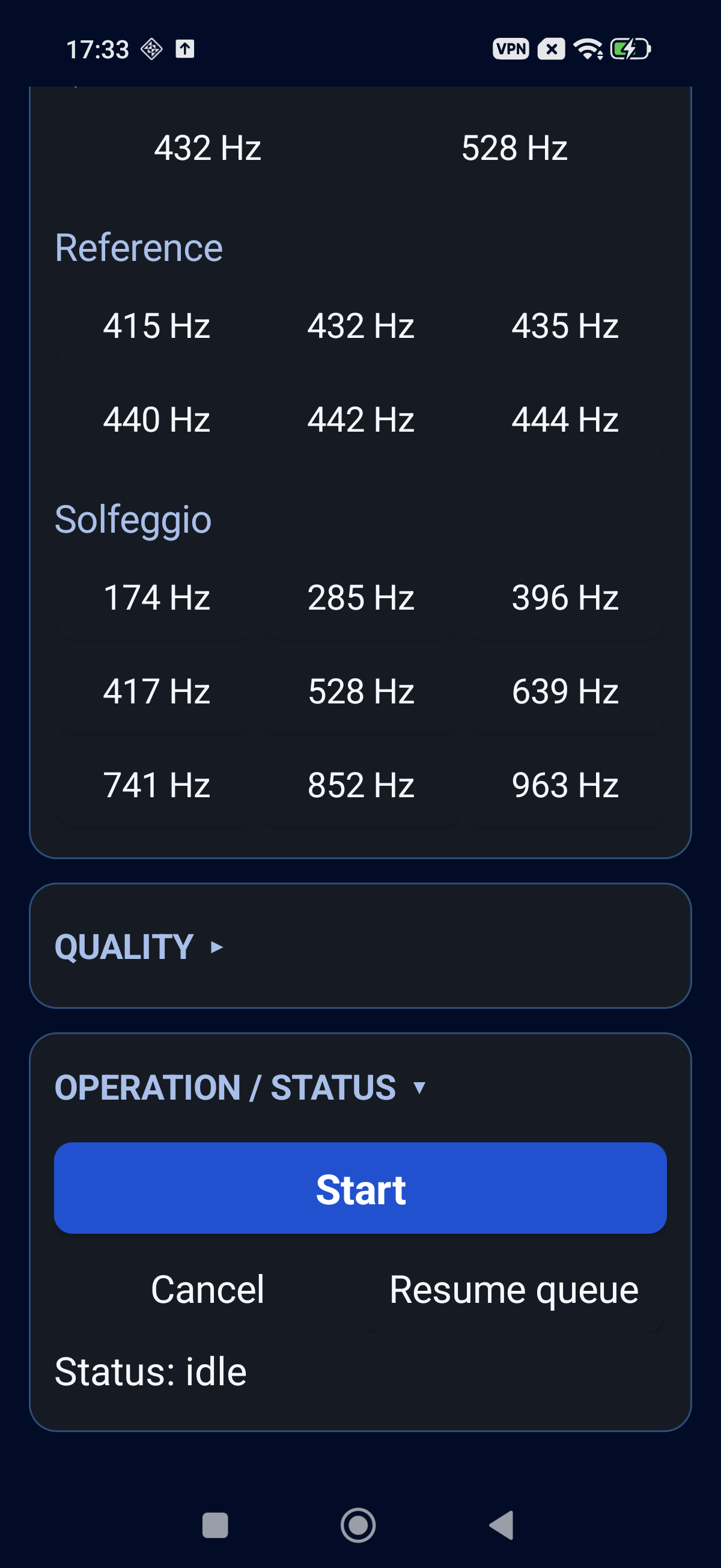
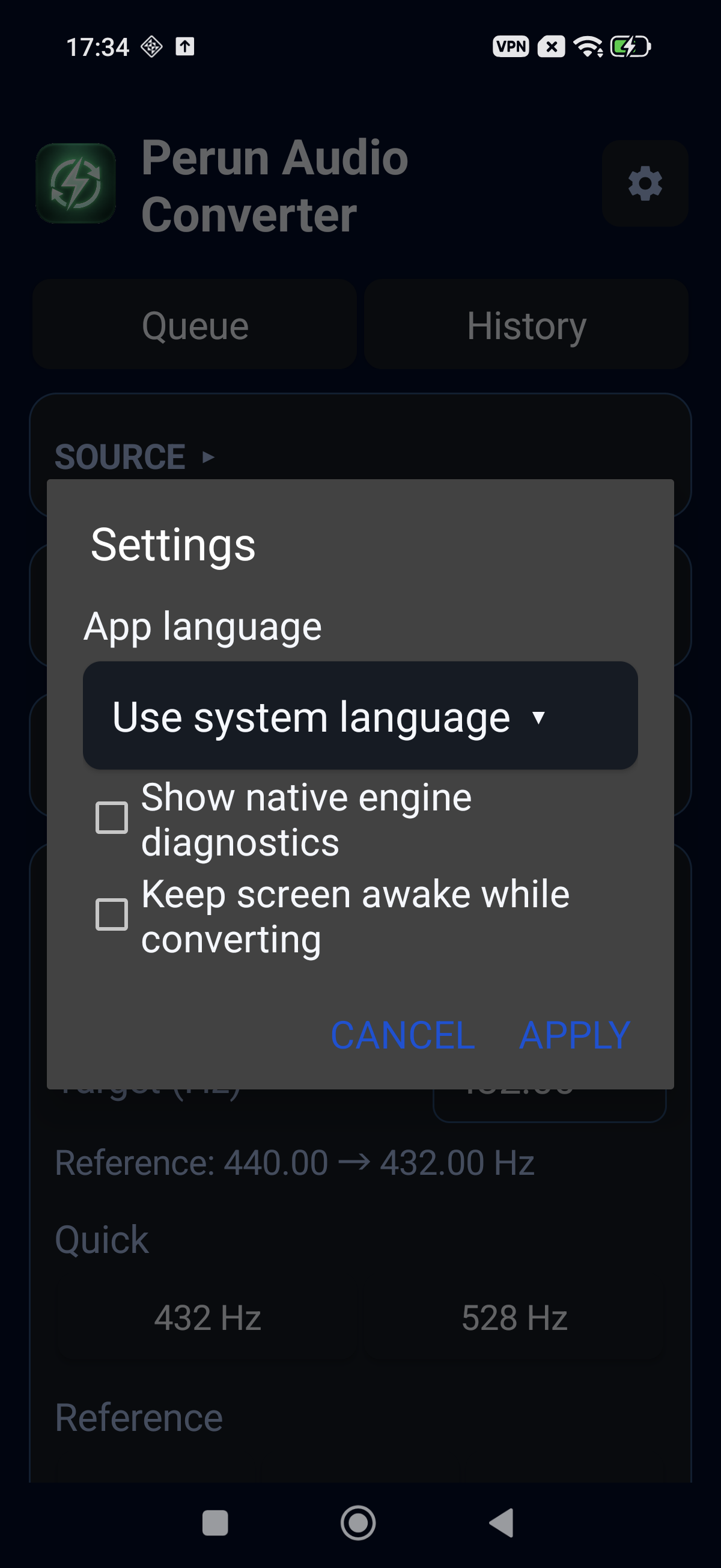
Hz → Hz settings describe a pitch change relative to the chosen reference. A 0.01 Hz input step describes the setting resolution, not a guarantee of conversion accuracy. Presets such as 432 Hz or 528 Hz are pitch settings, not a claim of health benefits.
Format reference: OpenMPT · Module rendering / PCM
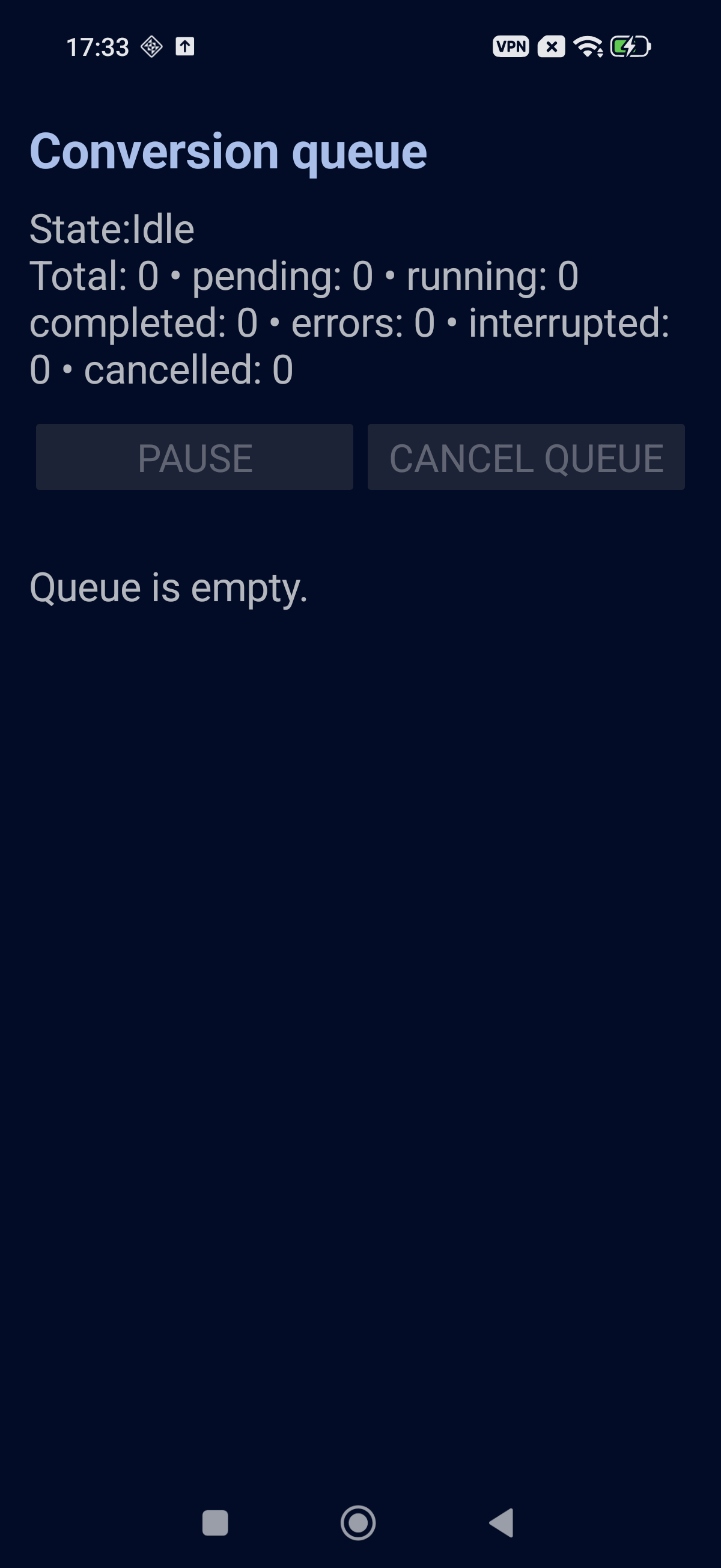
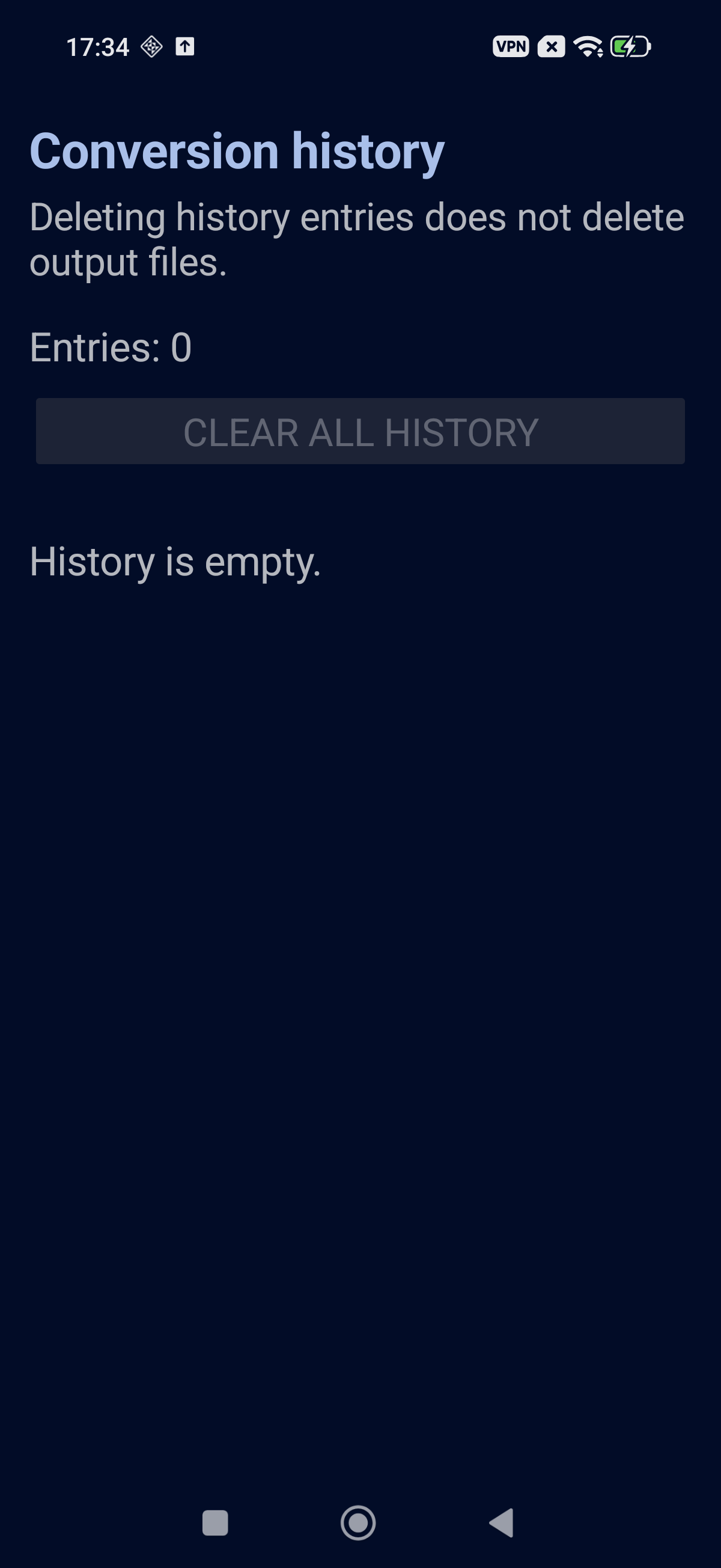
Real app screens