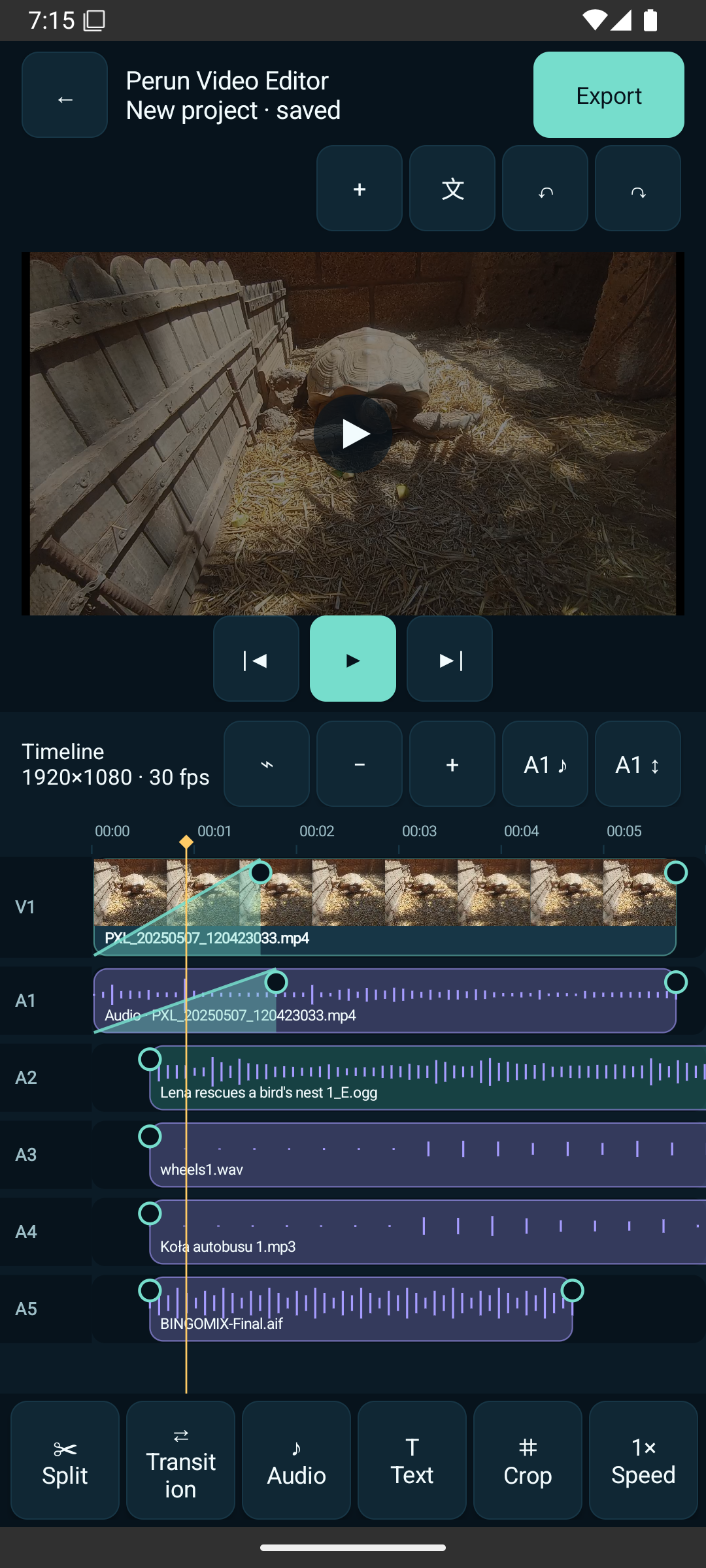
Work with video, linked source audio, extra audio and text on a multi-track timeline.

ANDROIDPERUN VIDEO EDITOR
Perun Video Editor
Edit video, audio and text directly on your Android device with a multi-track timeline and background export.
ANDROIDIn testing

VIDEO EDITING
TIMELINETrim, split and arrange
AUDIOMix, fade and mute
TEXTText directly on preview
FRAMECrop and transform
MOTIONSpeed and transitions
EXPORTBackground export queue
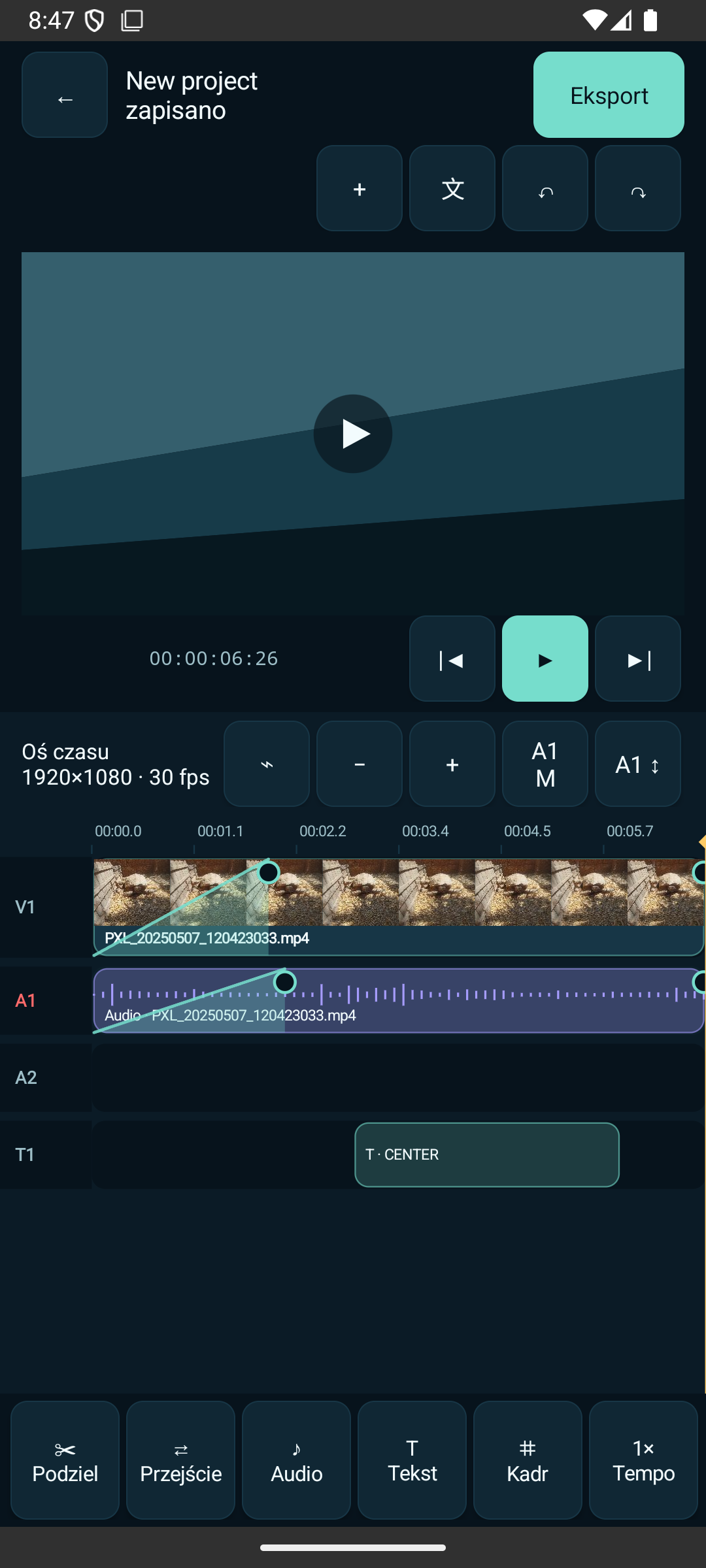
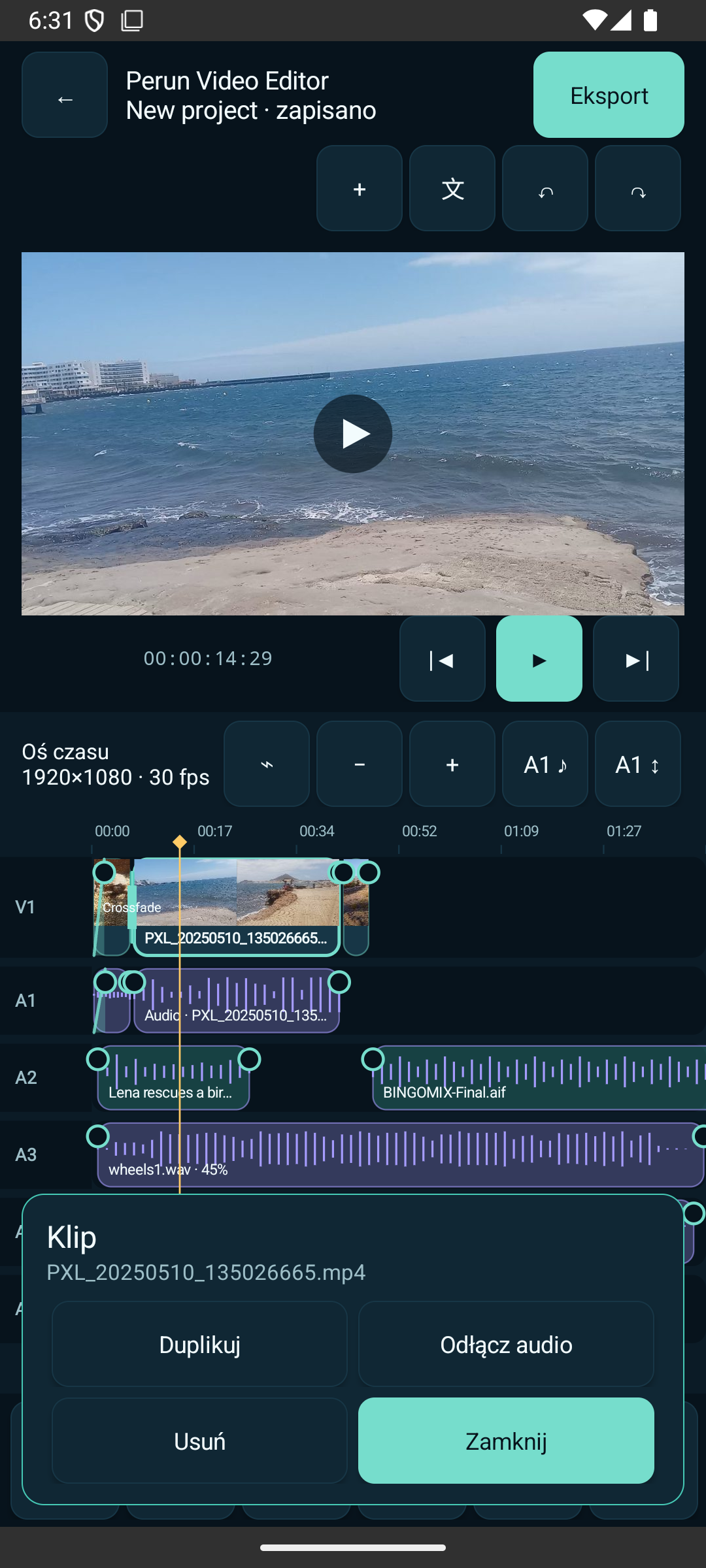
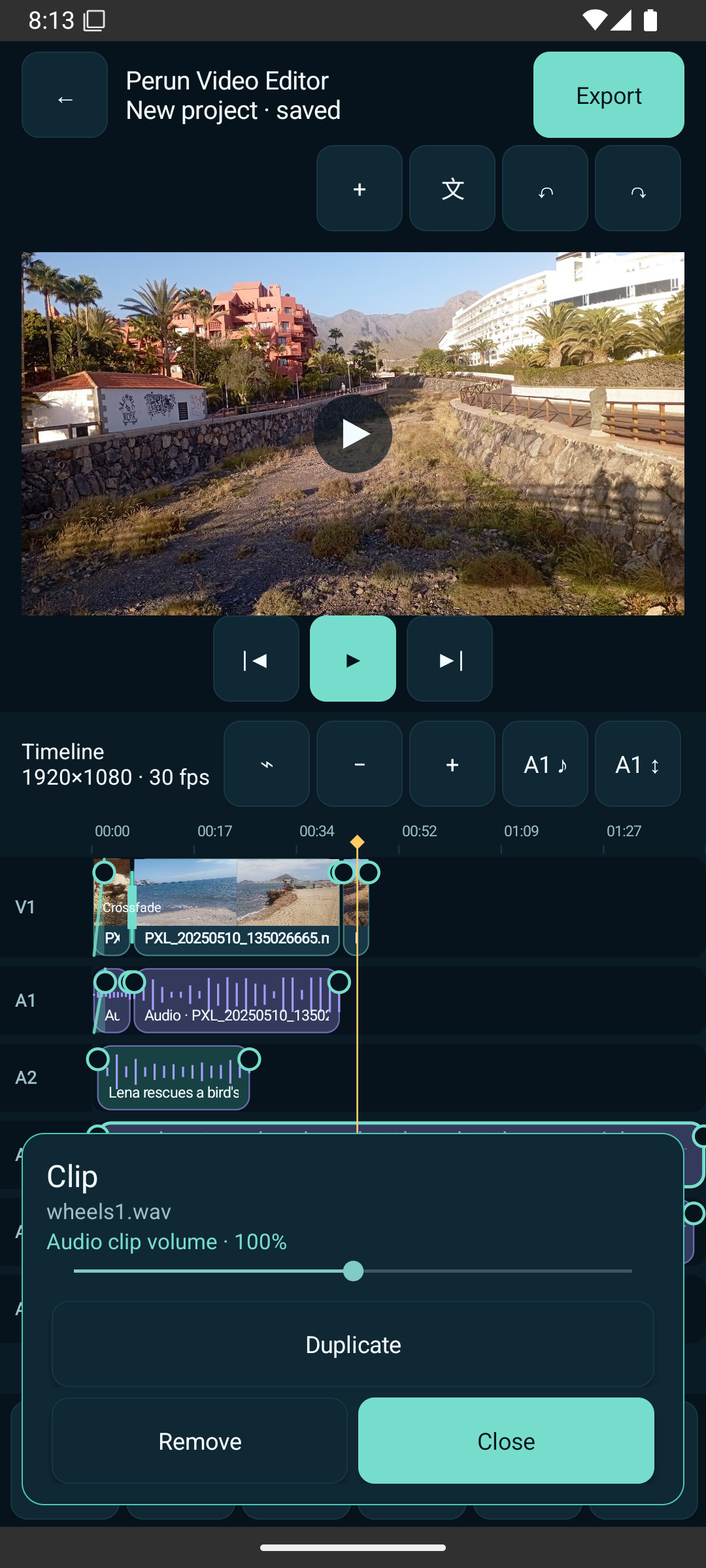
Edit on a real timeline
Control clip volume, linked audio, additional tracks and fade in / fade out directly in the project.
Add text, drag it on the preview, resize it and trim its visible time on the timeline.
Use crop presets or manual four-corner crop, then rotate or flip the clip.
Change clip speed and join scenes with transitions while keeping the project editable.
Export in the background with a persistent queue and profiles for landscape, portrait, square and supported frame rates.
PROJECT & EXPORT
Flexible output
720p1080p30 / 60 fps16:99:161:1H.264 + AAC
4K is offered only when the device encoder reports a compatible profile.
REAL APP SCREENS
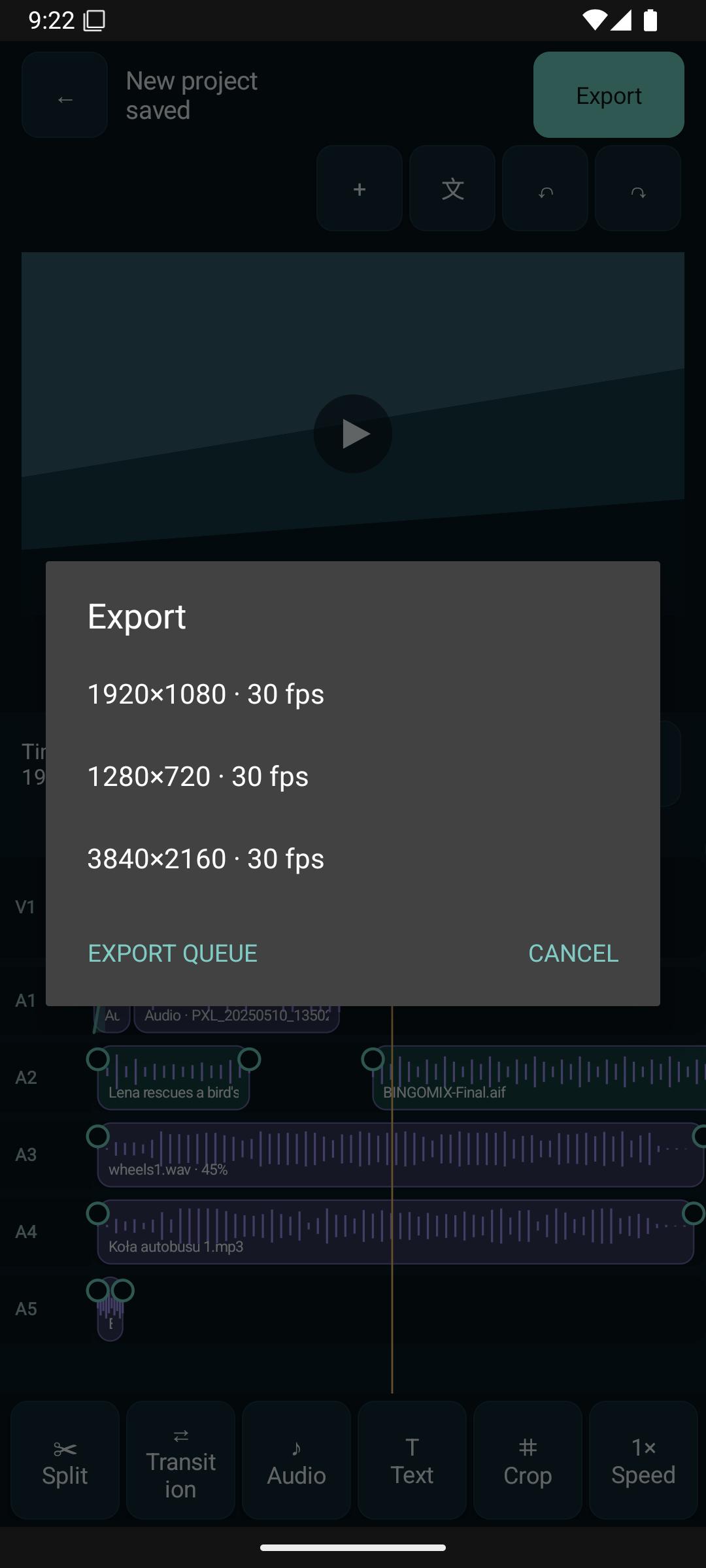
No mockups
Every screen below comes from a working Android build of Perun Video Editor.
LOCAL MEDIA
Your files stay on your device
Perun Video Editor works with local media and does not require an account. The Android build does not request Internet access.