ANDROID
COMING SOON
PERUN PLAYER
Coming soon to Google Play.
Perun Player Audio and Perun Player Full are being prepared for release on Google Play.
Perun łączy muzykę lokalną, radio internetowe, wideo, rozbudowane audio, kolejki, automatykę i personalizację w jednej aplikacji.
PERUN PLAYER
Perun Player is being developed for both major mobile platforms.
Perun Player Audio and Perun Player Full are being prepared for release on Google Play.
A version of Perun Player for Apple devices is being developed in parallel.
PERUN PLAYER
Both editions share the same Perun foundation. Audio focuses on music, while Full adds video and the audio converter.
PERUN PLAYER AUDIO
Local music, internet radio, queues, advanced sound controls, themes, sleep timer, alarm and Android Auto.
PERUN PLAYER FULL
Everything in Perun Player Audio plus local video, network video and the built-in audio converter.
TAKE THE TOUR
Every screen below comes from the real application. The presentation changes; the product does not.
SMART QUEUES
Tap + and start another. Keep one for driving, one for an album, one for discovery, one for later.

SLEEP TIMER + ALARM
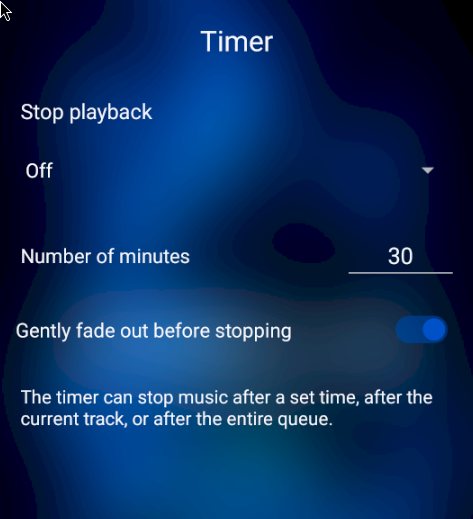
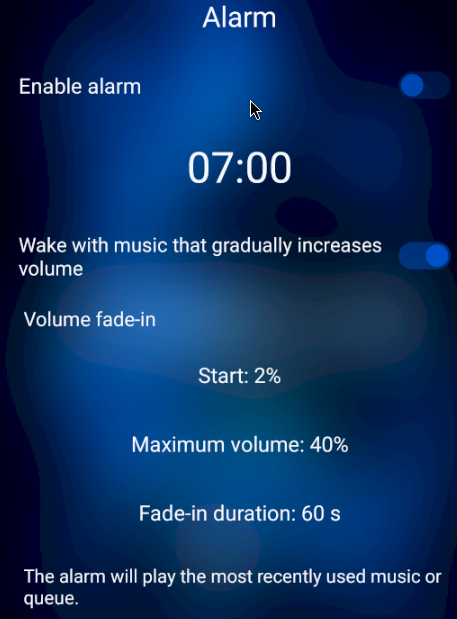
Fall asleep to a track. Let Perun Player stop. Wake up with Perun Player returning to the music where it was interrupted.
AUDIO
Add bass. Widen stereo. Balance track loudness. Change the room. Or leave everything alone.


INTERNET RADIO
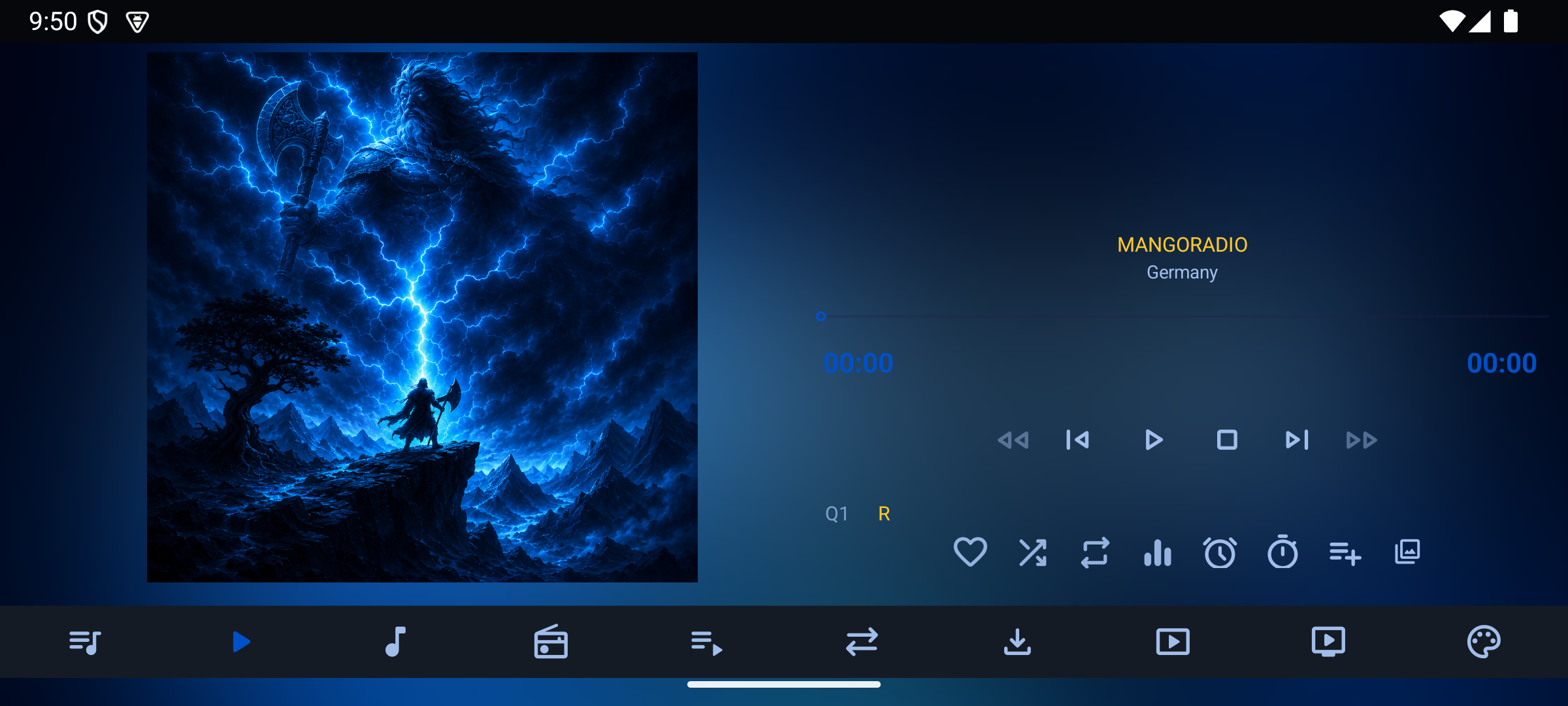
Search stations, browse what is popular, keep favourites and return through your listening history.


PERSONALISATION
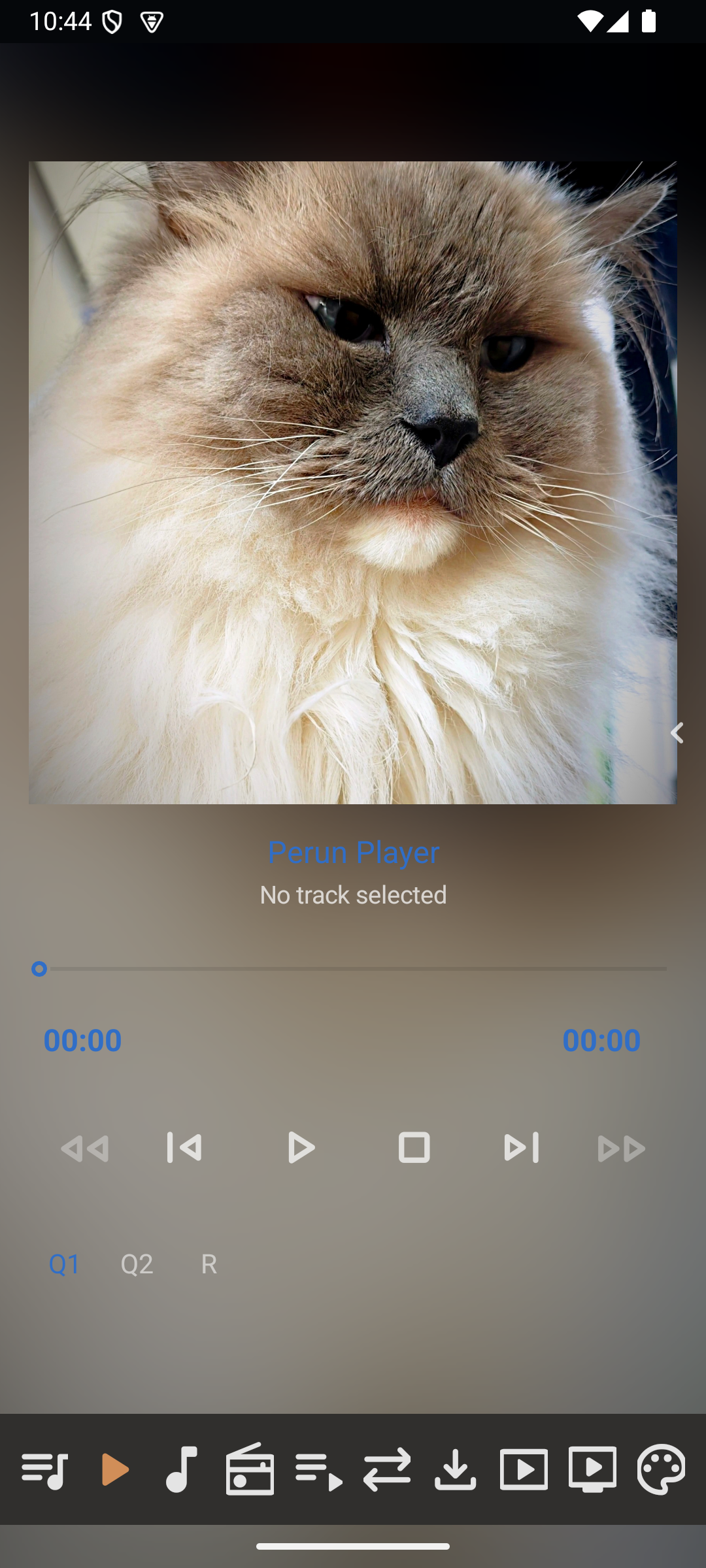
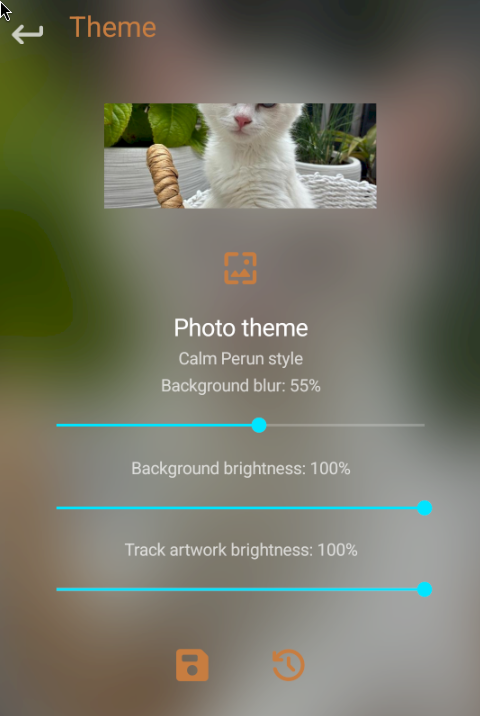
Choose a photo from your gallery and turn it into a personal Perun Player theme. The selected image becomes the visual base of the Player.


LIBRARY
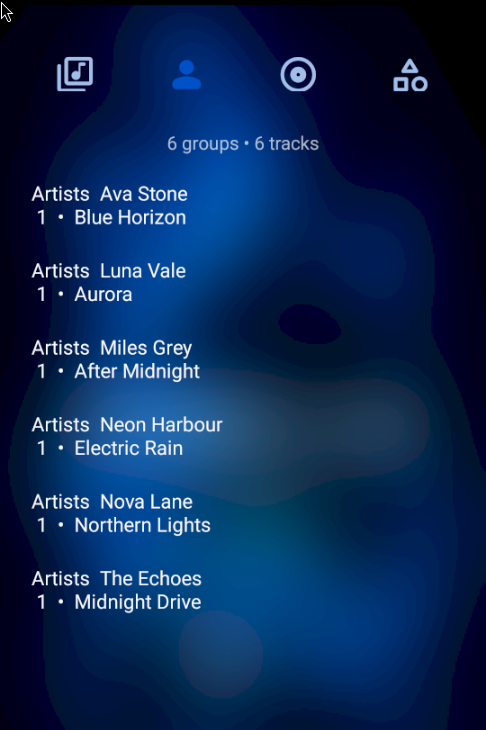
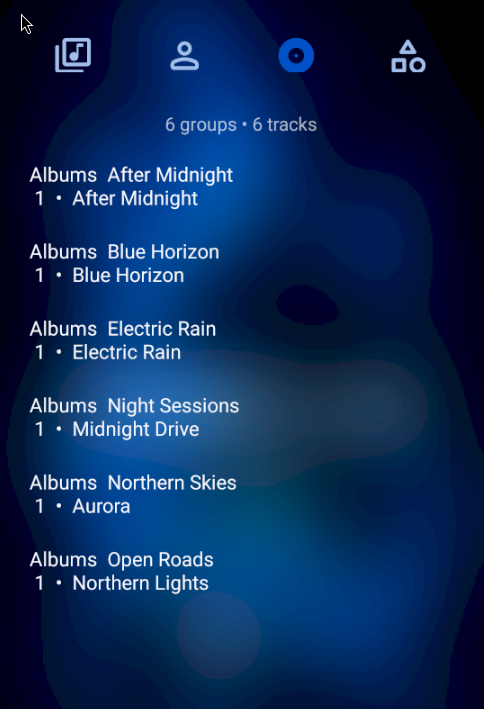
Files, folders, Library, Favourites, playlists and queues are different ways into the same music.

ANDROID AUTO
Perun Player works with Android Auto. From the car display you can see the current track and artist, control playback, open the active queue and select a track from it.
Supported controls include Play, Pause, Previous, Next and Stop.

PERUN PLAYER FULL
Perun Player Full includes everything in Perun Player Audio and adds local video, network video and the built-in audio converter.
LOCAL VIDEO
Open and play video files stored on your phone or tablet. Perun keeps the video, controls and your local library together.

NETWORK VIDEO
Perun Player Full includes network video for finding and playing content without leaving the application.


AUDIO CONVERTER
Choose the source file, target format and conversion settings directly inside Perun Player Full.

WHEN YOU WANT THE DETAILS
Explore Perun first. When you want the exact control, setting or explanation, the complete 36-chapter guide is available in the same languages as the application.
COMING TO GOOGLE PLAY
Two editions will be available: Perun Player Audio and Perun Player Full.
PERUN PLAYER AUDIO
PERUN PLAYER FULL
PERUN PLAYER
Perun Player Audio focuses on music. Perun Player Full adds video and the converter. Both Android editions are coming soon to Google Play, while development of Perun Player for iOS is also underway.

